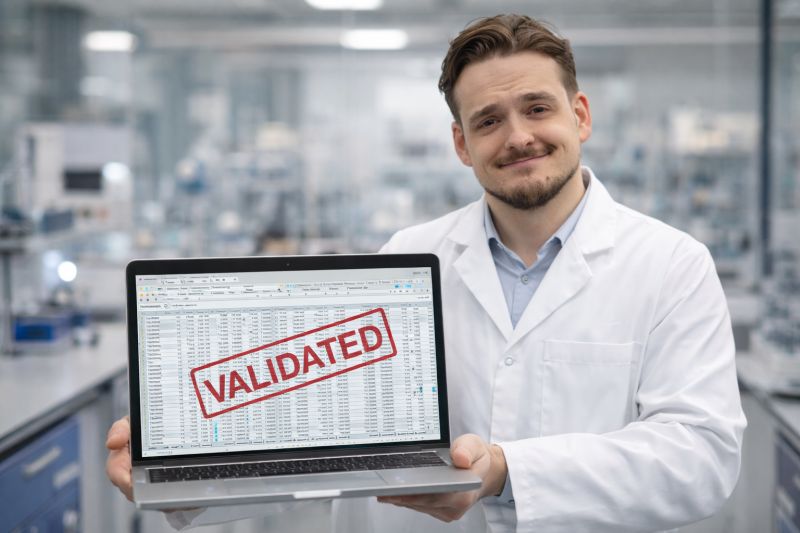
Last week, I was back in a pharmaceutical laboratory. Audit preparation. The lab manager shows me her equipment overview: "Everything is running smoothly. We have a validated Excel file for this."
She says it with the same certainty with which others talk about their LIMS.
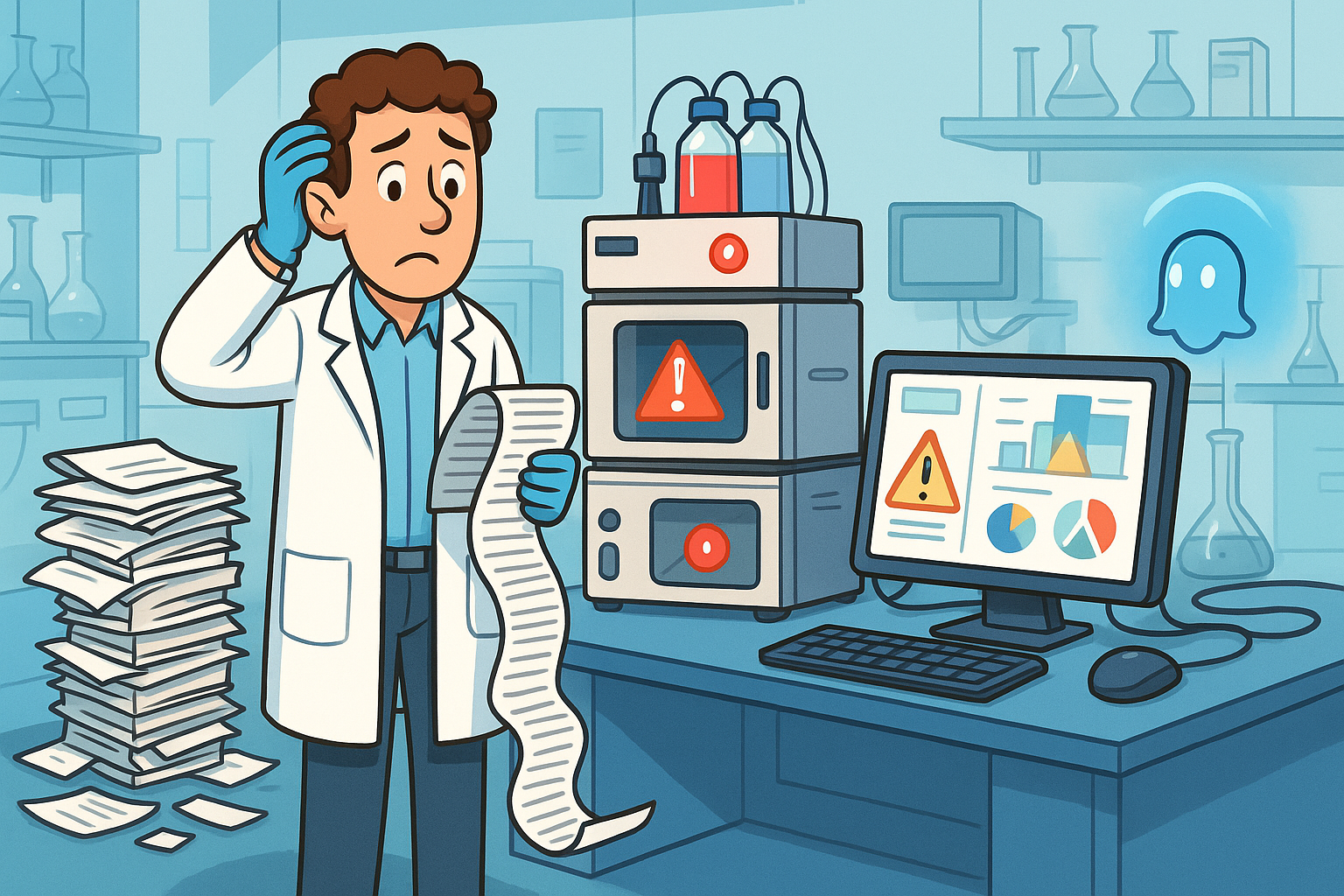
I nod. I look at the file. 30 columns. 340 rows. Nested IF formulas. Color coding whose logic only the former intern knew—who left two years ago.
"Does it still work reliably?" I ask.
"Sure. As long as no one overwrites the wrong cells."
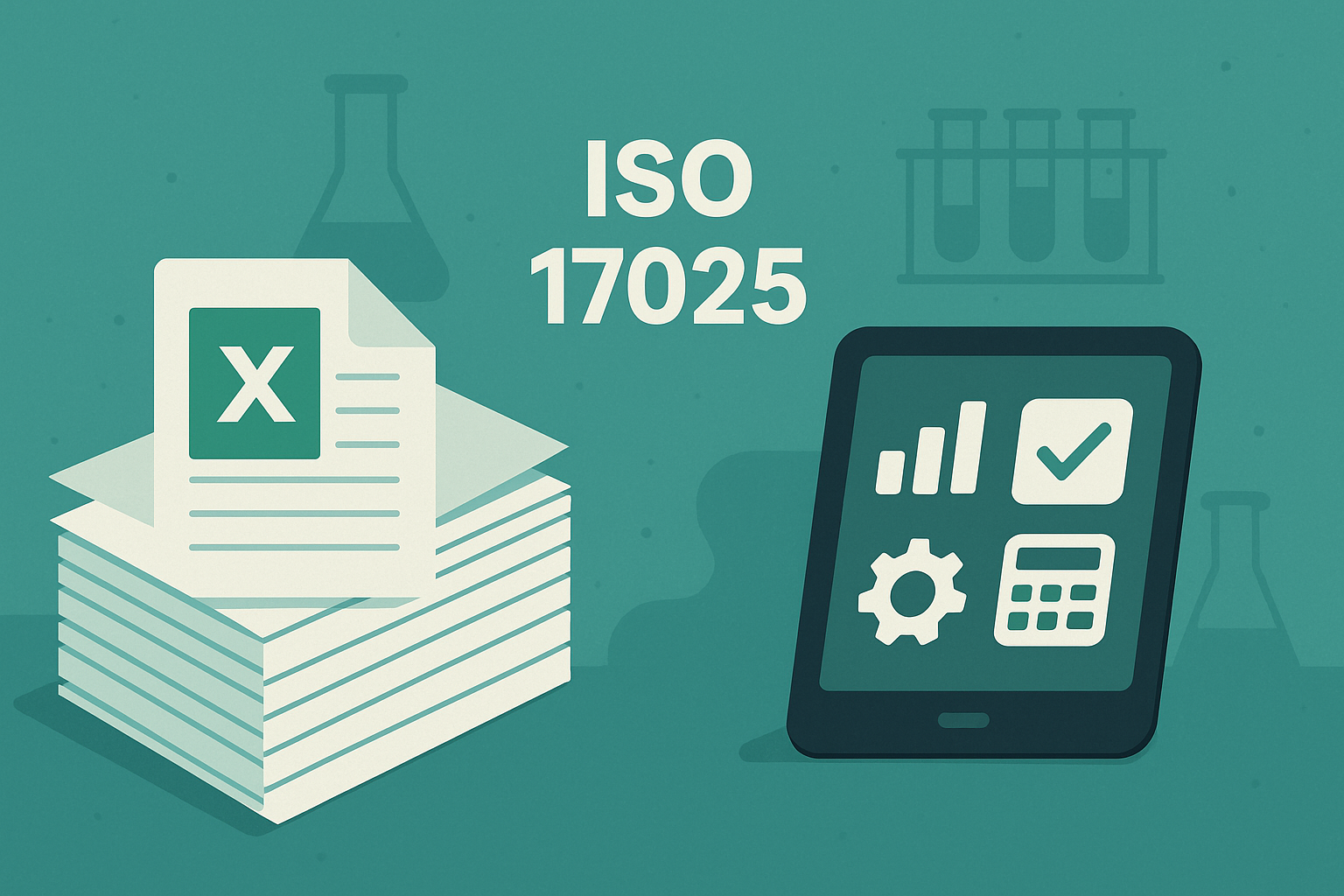
Welcome to the reality of Excel test equipment monitoring. A system that shouldn't really be a system at all.
Excel is not the problem. The role it plays is.
Let's get one thing straight: Excel is an excellent tool. Flexible, powerful, universally available. For ad hoc evaluations, quick lists, project planning—unbeatable.
The problem begins when a tool becomes a production system.
When a simple table suddenly becomes the central measuring equipment monitoring system.
When the device logbook, calibration schedule, and maintenance history are all stored in a single file—and the auditability of the entire laboratory depends on it.
Then we're not talking about Excel anymore.
Then we'll talk about shadow IT in a regulated environment.
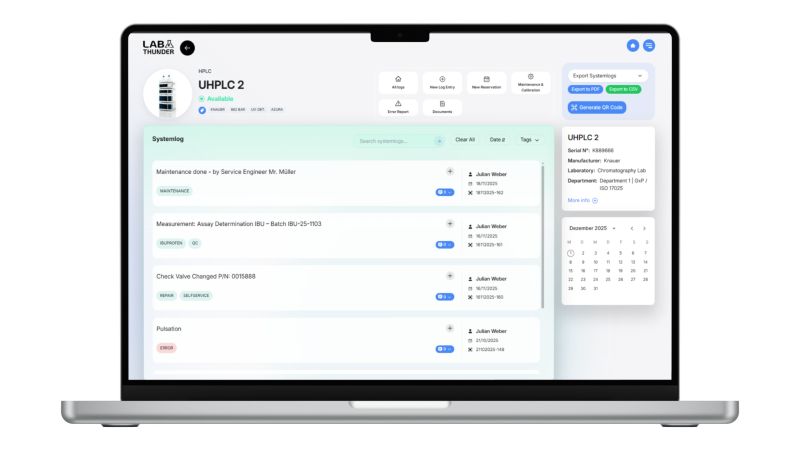
Modern software solutions such as LabThunder daily work in the laboratory by mapping test equipment management through structured, standardized workflows and integrating seamlessly into existing work processes.
How it begins (and why it always begins logically)
The story is almost always the same.
A new analyzer is purchased. HPLC, scale, pH meter—it doesn't matter. Someone from the team quickly creates an Excel list: serial number, calibration interval, next maintenance date.
It works.
The first QM audit is underway. The auditor gives his approval. The internal audit finds nothing to complain about.
So it grows.
More devices are added. Someone inserts a column for repair costs. A colleague builds a macro for the due date overview. The colleague from quality assurance wants conditional formatting for overdue calibrations.
After three years, there are six tabs, 20 linked cells, and a VLOOKUP formula that spans three worksheets.
No one decided to turn it into a system.
It just happened.
The moment when things get critical
The tipping point comes gradually. It manifests itself in sentences like these:
"The file has become terribly slow. But we don't know why."
"Please use the version 'Device_list_Final_V8_really_final_May.xlsx'. Not the other one."
"Ask Thomas. He's the only one who knows how the formulas are structured."
"Please don't move anything in column M. Otherwise, the whole thing will crash."
At this point, it becomes clear that this is no longer just a table. It is an unofficial test equipment management system.
Without a real audit trail.
And yet there are still issues: device availability, calibration planning, GMP documentation, and compliance.
Why it still feels safe
Because familiarity is mistaken for security.
Everyone knows Excel. It's on every computer. No one needs training. There are no IT projects, no coordination loops, no months-long implementation.
Test equipment management software, on the other hand, means:
- change
- learning effort
- project work
- budget
- Coordination with IT and QM
So you stick with the status quo.
Not because it's good.
But because the known risk feels less threatening than the unknown change.
The hidden risks behind "validated"
"Validated" sounds like quality. Like control. Like security.
But what does that mean specifically?
Mostly: At some point, it was checked whether the file does what it is supposed to do.
But then:
- Who checks every subsequent change?
- Who ensures that formulas are not accidentally overwritten?
- Who can spot subtle logical errors?
- Who documents structural adjustments in an audit-proof manner?
In professional test equipment monitoring software, these would be standard functions:
✓ Roles and permissions
✓ Complete audit trail
✓ Automatic versioning
✓ Mandatory fields and plausibility checks
✓ Structured database with integrity
In Excel, everything depends on user behavior.
And that is precisely the most uncertain factor of all in regulated environments—ISO 17025, ISO 15189, GMP.
The problem for GMP and ISO laboratories: verifiability
Pharmaceutical or accredited laboratories are not just about organization.
It's about complete traceability.
- When was a test device taken out of service?
- Who changed the status—and why?
- Has the change been reviewed by a second person?
- Can history be completely reconstructed?
Excel can technically map this, but it cannot secure it robustly.
This creates a paradox: the system is accepted even though it is structurally fragile.
During an inspection visit, this becomes precisely the weak point.
When knowledge does not live in the system
. It is organizational.
In many laboratories, system knowledge exists outside of the file:
Claudia knows how it's structured.
This is no joke. This is a single point of failure.
Vacation. Illness. Job change.
Suddenly, it's not just one person who is missing—it's part of the laboratory organization.
Genuine test equipment management software separates:
- Process logic (embedded in the system)
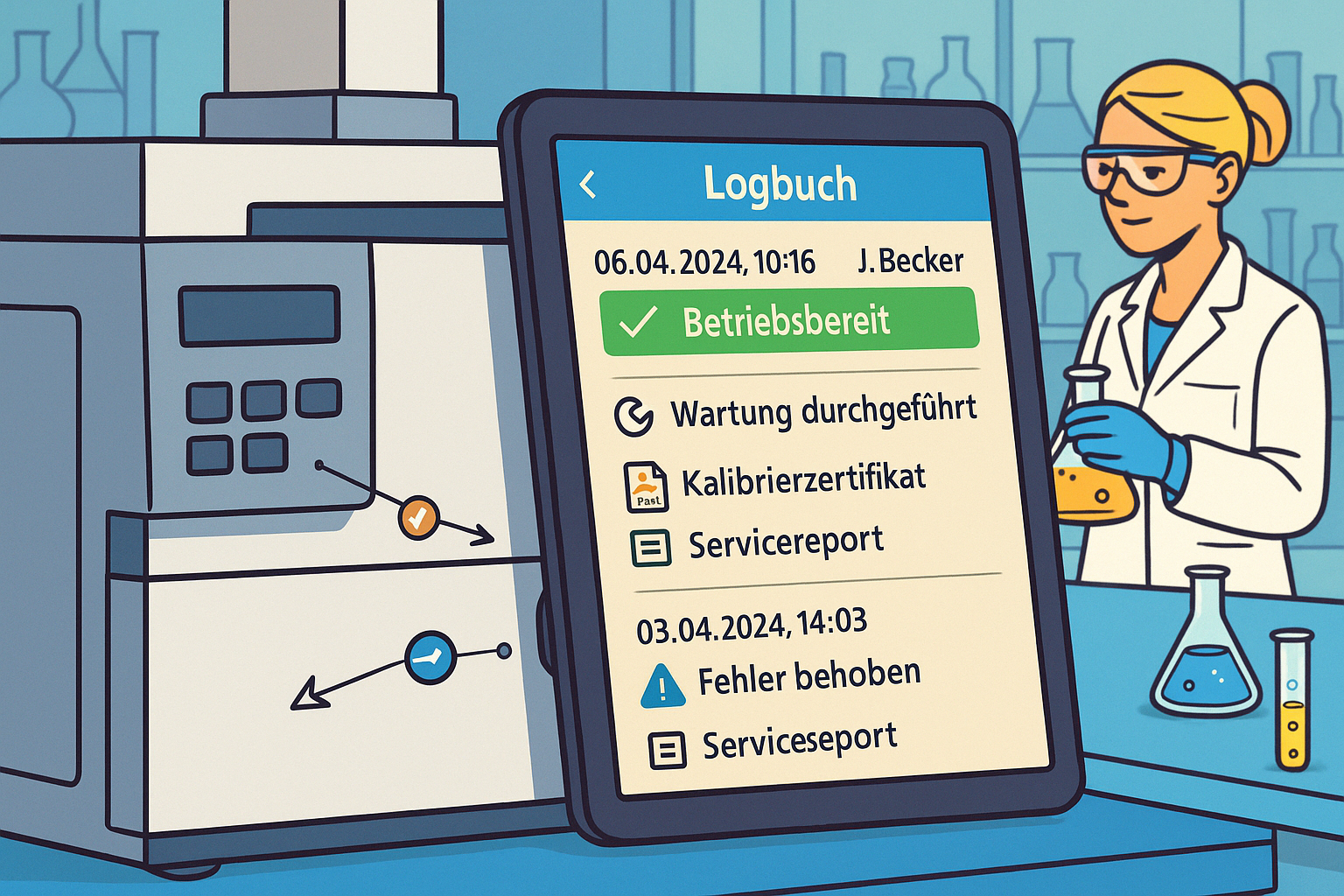
- Data (structured in a database)
- User knowledge (documented, not personal)
Excel merges everything into one file—and thus makes it vulnerable.
Scaling: The invisible breaking point
What works with 15 devices breaks down with 150.
More data.
More users.
More locations.
More interfaces to other systems.
Excel is not designed to support growing test equipment management in the long term.
Then the following arise:
- Copies ("Why are there three versions of the device list?")
- Partial lists per department
- Manual transfers between files
- Media breaks (Excel → PDF → paper → signature → scan → filing)
And that is precisely where mistakes occur that no one notices immediately.
A missing calibration interval. An undocumented device change. An outdated maintenance history.
Until the auditor asks questions.
Why the change is so difficult
The greatest resistance is not technical.
It is emotional.
"It's working."
"We've always done it this way."
"Auditors have never had any objections."
But "never complained about" is not a quality criterion.
It simply means that the risk has not yet materialized.
Until it does.
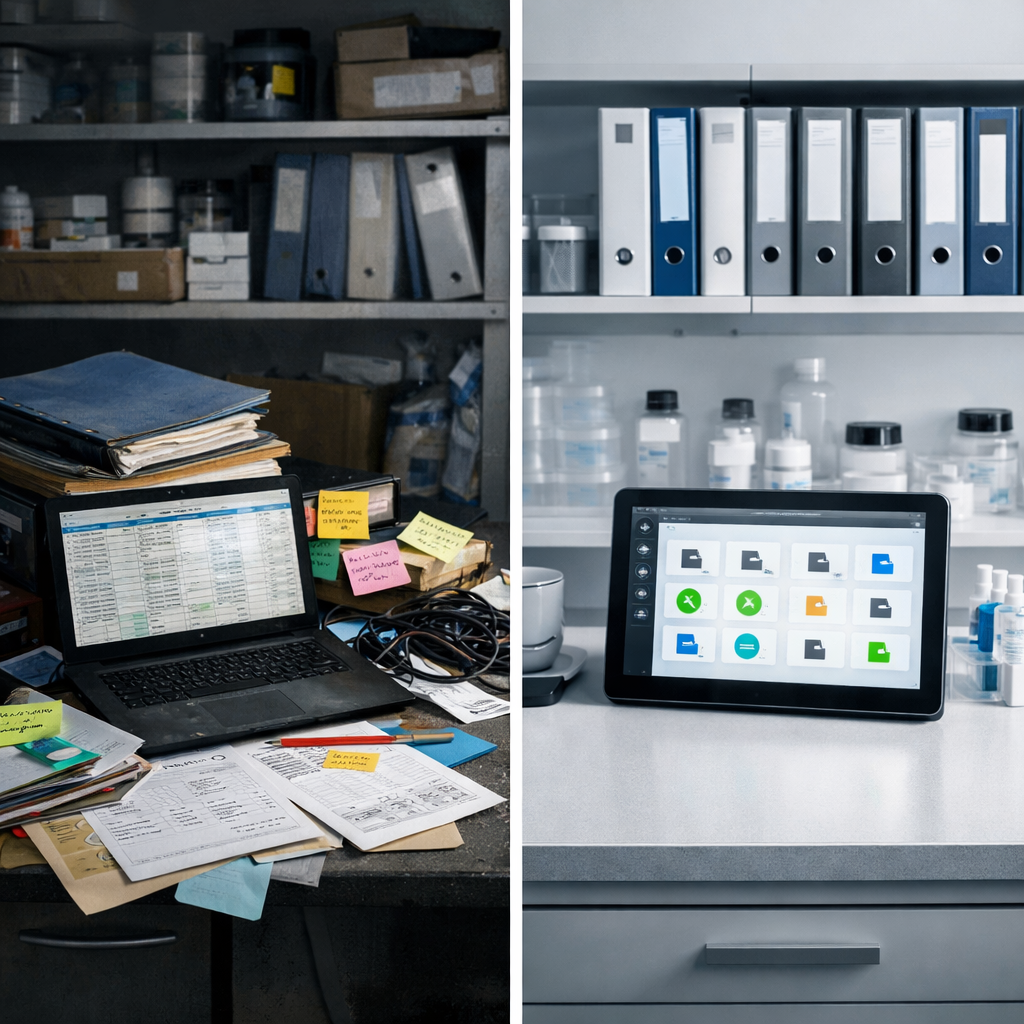
Structured test equipment management means more than just complying with standards and regulations. It creates transparency, reduces dependencies, and makes workflows in the laboratory predictable, safe, and efficient.
The way out – without changing everything at once
No one has to throw their entire system overboard tomorrow.
The key is to proceed in a structured manner.
Step 1: Create transparency
Which Excel files are truly critical?
Where does measuring equipment monitoring or the device logbook come into play?
Step 2: Assess the risk
- Single point of failure? (Only one person knows the logic)
- No complete history?
- High frequency of changes without traceability?
Step 3: Define the data model
What are devices? What are test equipment?
What conditions, status changes, and dependencies are there?
Step 4: Plan the transition
Excel will remain the data source for the time being.
The logic will gradually be transferred to test equipment monitoring software.
Step 5: Document knowledge
The goal: a truly paperless laboratory
A paperless laboratory does not just mean "no paper."
It means structured, systemically secured information.
- Complete traceability of device history
- Maintenance scheduled automatically
- Changes documented in an audit-proof manner
- Knowledge not linked to individuals
That's real lab digitization.
Not because it sounds modern.
But because it reduces dependencies, eliminates sources of error, and ensures compliance.
Excel was not wrong
And it is important to understand this:
Excel was often the right solution.
At the right time.
For the right size.
With the resources available at the time.
The problem is not the tool. It's that it was never intended to be a temporary solution.
It has grown—while requirements have exploded.
At some point, a flexible tool becomes a digital Jenga tower, where every change feels dangerous.
The better question
Not:
"Do you have a validated Excel file?"
But rather:
"Is your system scalable, traceable, and independent of individuals?"
If the honest answer is "not quite," that's not a criticism.
It's simply the moment many laboratories are facing.
And this is precisely where true laboratory organization begins—not with a new tool, but with the decision to consciously design structures.
Checklist: Does your laboratory need a professional solution?
Check honestly:
☐ Are there critical Excel files for test equipment or device logbooks?
☐ Does more than one person know the complete logic?
☐ Are all changes completely and audit-proof traceable?
☐ Is there real version control (not "Final_v12")?
☐ Can the system be used across locations?
☐ Can it be scaled without manual transfers?
☐ Does it also work when personnel changes without knowledge transfer?
If you answered "no" to several questions:
Then it's time to consider professional test equipment management software.
Not because Excel is bad.
But because your lab has outgrown it.
Conclusion
Excel can finally do what it does best again:
A tool. Not the foundation of your lab IT.
Because true laboratory organization begins where systems not only function, but also remain stable when people leave, processes grow, and auditors take a closer look.
Is there any free test equipment monitoring software available as an alternative?
Free test equipment monitoring software can provide an initial introduction, especially in very small laboratories or with a manageable amount of equipment. In practice, however, such solutions often only cover certain aspects. Maintenance, calibration, equipment status, responsibilities, and auditable evidence are usually not fully integrated, which leads to increased manual effort and limited transparency as complexity increases.
At the same time, there are now modern SaaS-based laboratory management solutions such as LabThunder, which do not require in-house IT operations and follow a usage-based pricing model. By billing according to the number of user accounts actually required, maintenance, testing equipment, and calibration processes can be structured and standardized even with a manageable budget. This creates an economically viable alternative between free individual solutions and classic, cost-intensive enterprise systems.
Is Excel permitted for ISO 17025 test equipment management?
Theoretically yes, but practically unsuitable. Excel can meet the formal requirements of the standard, but usually fails in terms of data integrity, change tracking, and multi-user capability. Modern auditors are becoming increasingly critical of Excel solutions because they lack a true audit trail and version conflicts are difficult to trace. Excel lists reach their limits when the number of test equipment increases or there are multiple locations.
Why are Excel lists no longer sufficient for test equipment monitoring?
Excel offers no audit trails, no user management, no automation, no link to logbooks or maintenance cycles and is prone to errors. It is not sufficient for ISO 17025, ISO 15189 and GMP.
What does test equipment monitoring mean?
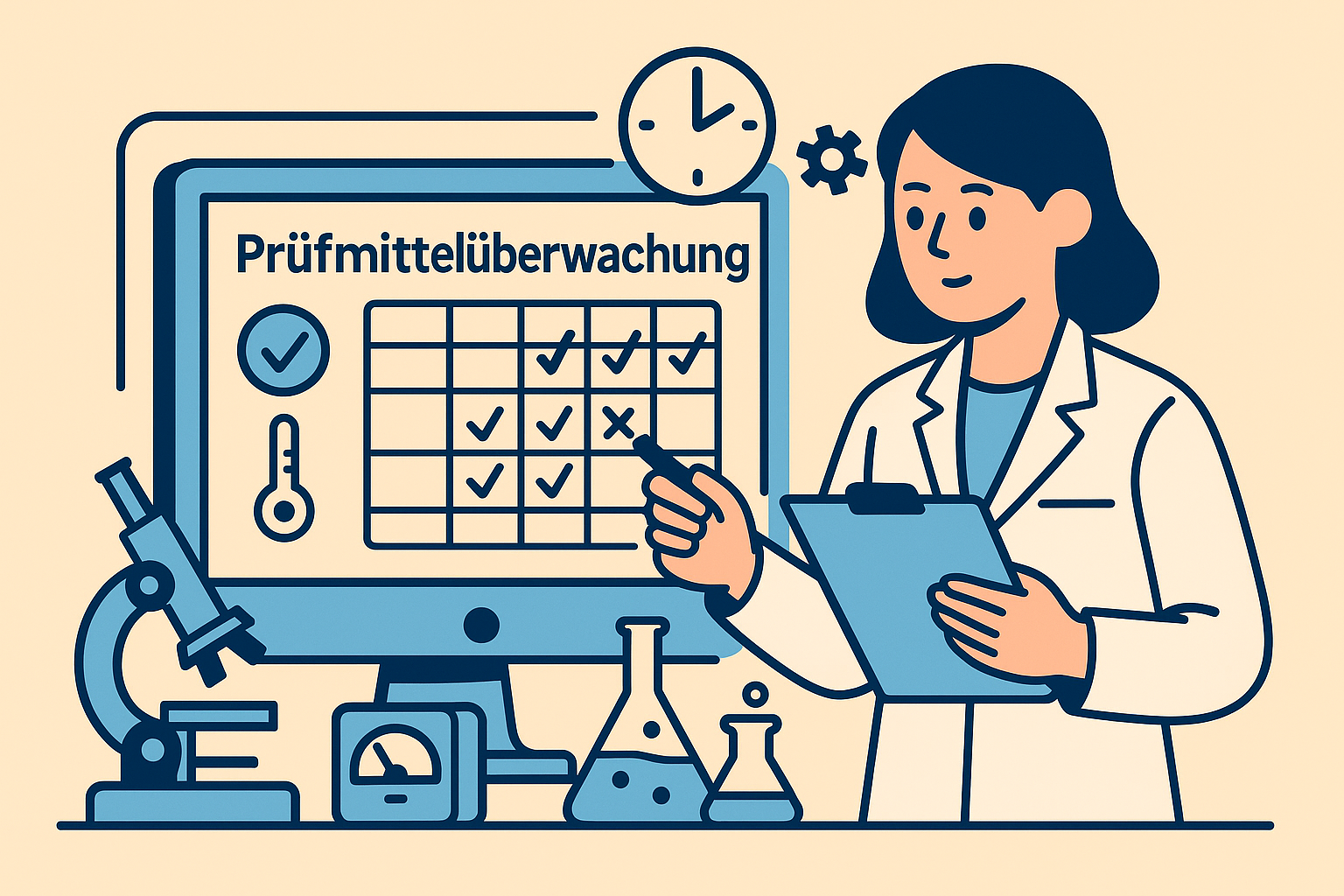
Test equipment monitoring refers to the systematic control of all measuring and testing equipment with regard to their calibration intervals, technical condition, and suitability for the intended use. The aim is to use only validated and approved devices.


LabThunder:
✅ Compliant with ISO 17025, GMP/GLP, and ISO 15189
✅ Digital logbooks instead of paper chaos
✅ Thunder AI central intelligence for errors & questions
✅ Smart & predictive maintenance prevents downtime
✅ Greater independence from external service providers
✅ Up to 50% fewer service calls
✅ Easy to use - no IT required
Contact us today for a free demo:

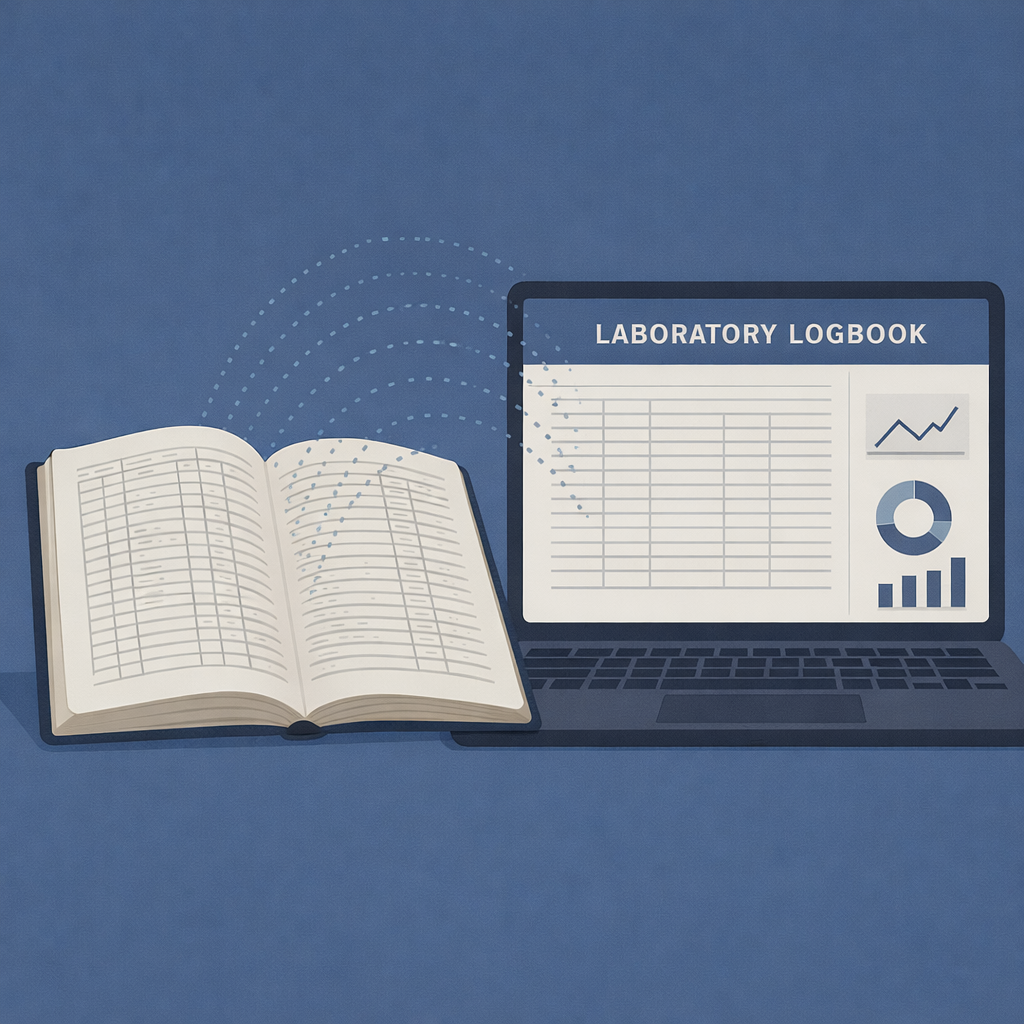

%20new.png)








.jpg)
.jpg)
.jpg)

